


LIGHTLY SALTED
PROCESS
Creative Workflow // Photoshop
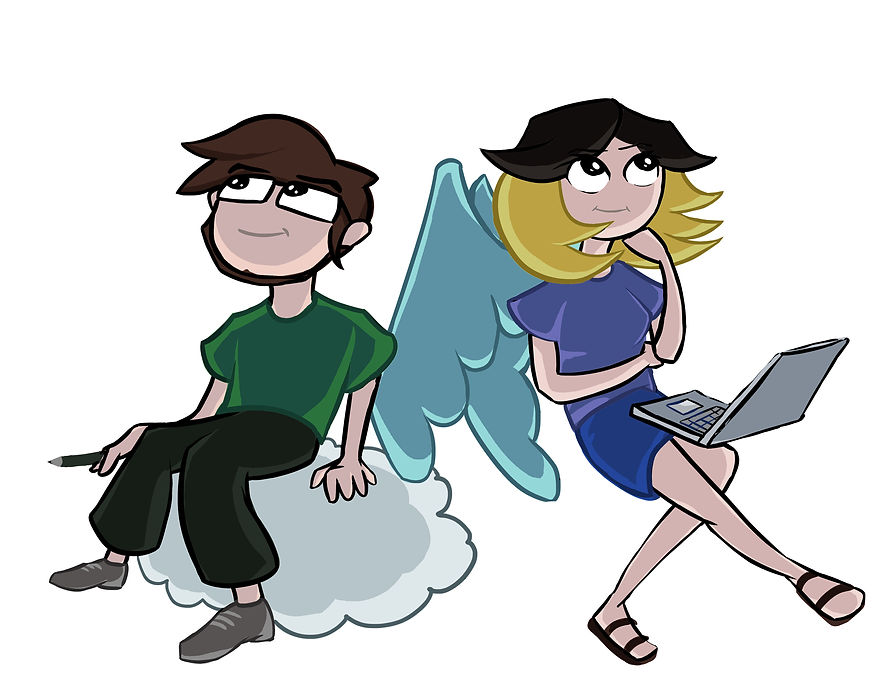
A partnered project where I got to work with the wonderful friend and talented cartoonist, Nicholas Guilbault. We created a mock website where we showcased our drawings and various artwork for the world to see!
On this page, I will be guiding you the process of this project through my perspective and the tasks I had to complete.

SKETCHES
We started with sketching out a few ideas on paper. Nothing unusual here, just old-timey technology. We both decided to sketch out 4 different mobile mockups in our sketchbooks. In the end, we decided on several aspects from different sketches and put them together for the next step.

ROUGH PSD SKETCHES
From the sketches on paper, we moved to the sketches on the computer! We roughly sketched out a more finalized version of what we wanted to create in Photoshop using a Wacom tablet.

CLEAN MOCKUP
So after all the messy sketches I finally put it into photoshop to clean it up and make it presentable. I was tasked with working more so on the UI/UX design so this part was probably the most exciting for me to work on. I thoroughly enjoyed the planning/organizational stages of this project.

FINAL PRODUCT
Finally, we were able to put both Nich's and I's artwork into the mock site. We displayed our paintings on the front of the website as per the assignment. The header is probably my favorite part of this project. This was created in my second year and if I could go back now there are a few things I would change in regards to the nav and font choice. Overall it was a pleasant experience and I have definitely learned a lot since then.